 Skip to content

Published on September 5, 2025 by SNSPro Global
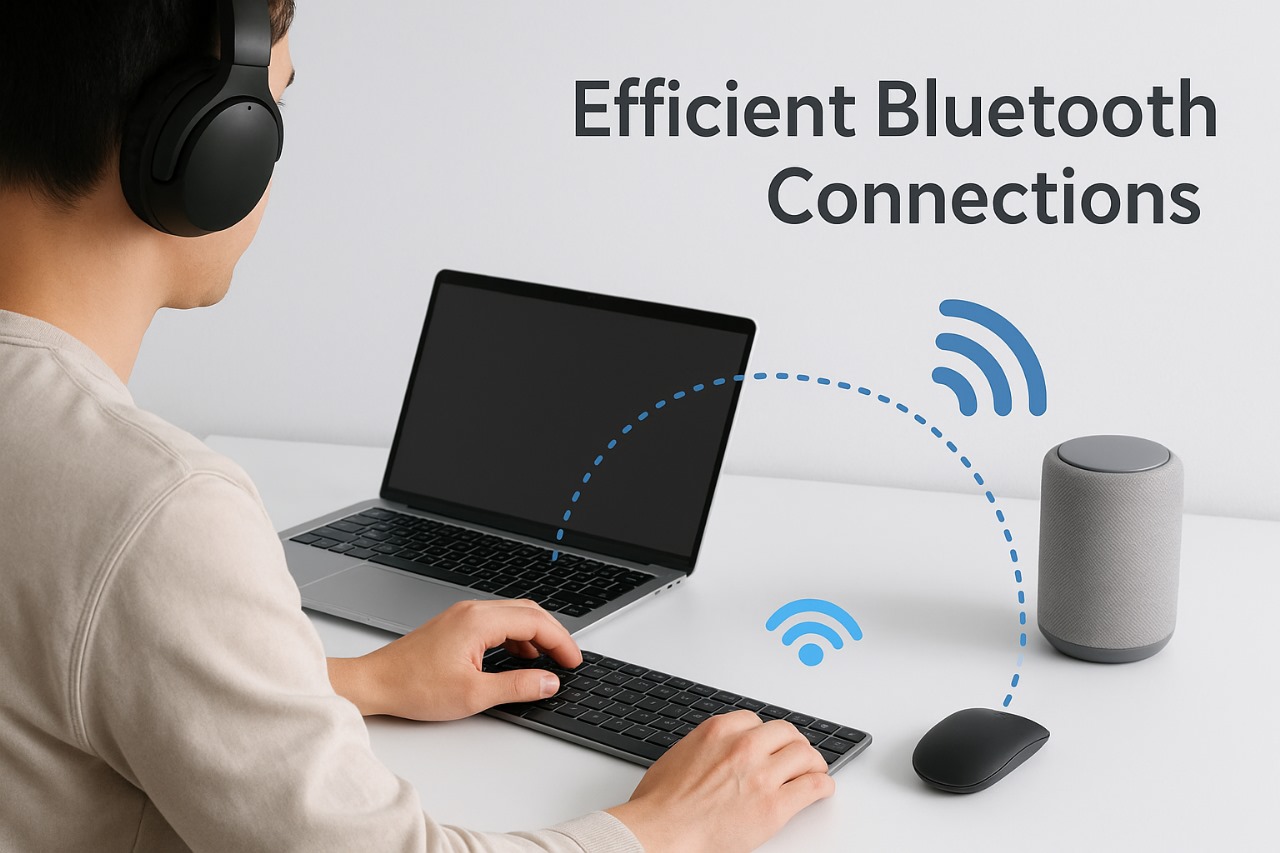
Bluetooth devices have revolutionized the way we connect and interact with technology, offering a wireless experience that enhances convenience and mobility. However, to fully leverage their capabilities, it’s essential to use them efficiently. This guide provides practical tips to ensure your Bluetooth devices perform at their best.
1. Understand Pairing Basics
Proper pairing is the foundation of a stable Bluetooth connection. To pair your device:
- Enable Bluetooth on your phone or computer.
- Activate pairing mode on your Bluetooth device (e.g., headphones, keyboard, or mouse) by holding down the designated button until a light flashes.
- Select the device from your Bluetooth list on your screen.
- If prompted for a passcode, try entering “0000” or “1234,” as these are commonly used defaults.
If a passcode is requested, try “0000” or “1234”—these work most of the time!
Pro Tip: If your device doesn’t appear, toggle Bluetooth off and on—it often resolves visibility issues.
For a complete walkthrough on pairing and using Bluetooth gadgets like headphones, keyboards, and mice, see our guide: Your Complete Guide to Using Bluetooth Devices: Headphones, Keyboards, Mice.
2. Keep Devices Charged for Optimal Performance
Low battery levels can lead to laggy responses or audio glitches. To maintain optimal performance:
This can show up as audio glitches in your headphones or laggy responses from your keyboard and mouse.
- Regularly charge your Bluetooth devices, especially before travel or extended use.
- Monitor battery levels and recharge when they drop below 20%.
- Avoid extreme temperatures during charging, as they can affect battery health.
3. Minimize Interference for Stable Connections
Bluetooth signals can suffer from interference caused by other wireless devices. To ensure a stable connection:
- Keep Bluetooth devices away from microwaves, Wi-Fi routers, and other electronics that emit electromagnetic signals.
- Limit the number of connected devices, especially on older hardware.
- Maintain a range of no more than 10 meters (30 feet) between devices.
4. Update Drivers and Firmware Regularly
Outdated drivers or firmware can hinder device performance and compatibility. To keep your devices up to date:
- Visit the manufacturer’s website to download the latest firmware updates.
- Regularly check for updates to your computer or phone’s Bluetooth drivers, particularly on Windows systems.
For more on optimizing device software, see our article on How to Use Voice Assistants (Siri, Google Assistant) Productively.
5. Turn Off Devices When Not in Use
Switching off your Bluetooth devices when they’re idle conserves battery life and prevents unintended connections. This simple step also extends the lifespan of your devices.
6. Name Your Devices for Easy Identification
If you own multiple Bluetooth devices, renaming them can help avoid accidental connections. For example:
- “Sarah’s Work Headphones”
- “Living Room Keyboard”
This practice ensures that you connect to the correct device every time.
7. Unpair Devices You No Longer Use
Old devices lingering in your Bluetooth list can clutter the menu and cause connection confusion. Unpairing unused gadgets ensures a cleaner and faster Bluetooth experience.
8. Reconnect Quickly with Multipoint and Memory Features
Frequent switching between devices? Look for Bluetooth devices with multipoint support, which allows them to connect to two sources simultaneously. Some models offer quick-switch buttons or dongles that remember multiple paired devices, making reconnection effortless.
9. Smart Integration with Voice Assistants
Bluetooth devices often pair seamlessly with smart speakers like Alexa or Google Nest. Using these smart assistants, you can control audio, manage calls, or even switch device connections hands-free.
For a step-by-step setup of smart speakers, refer to: Set Up Alexa & Google Nest Smart Speakers.
Conclusion
By following these tips, you can ensure that your Bluetooth devices operate efficiently, providing a seamless and enjoyable experience. Whether you’re enjoying music, typing up work, or browsing the web, these practices will help you get the most out of your wireless technology.
For an even deeper guide on using headphones, keyboards, and mice over Bluetooth, explore Your Complete Guide to Using Bluetooth Devices: Headphones, Keyboards, Mice.
Frequently Asked Questions (FAQs)
How do I pair a Bluetooth device with my phone?
Turn on Bluetooth, put the device in pairing mode, select it from your device’s Bluetooth menu, and enter “0000” or “1234” if prompted.
Why is my Bluetooth connection slow or audio glitchy?
Low battery, interference from other devices, or outdated drivers are common causes; keep devices charged, minimize interference, and update software regularly.
How can I extend my Bluetooth device’s battery life?
Turn off devices when not in use, avoid extreme temperatures, and charge regularly, especially before long sessions.
Is Bluetooth secure?
Yes, but avoid public pairing, disable discoverability when not pairing, and keep devices updated to maintain security.
If you have any questions or require further assistance.