 Skip to content

Published on August 21, 2025 by SNSPro Global
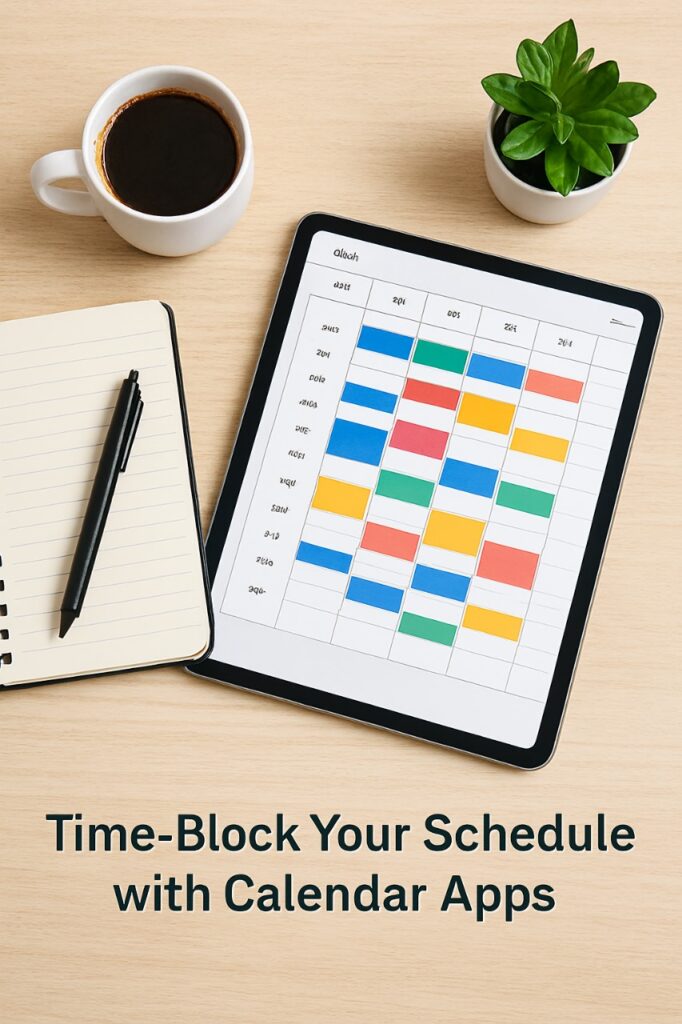
Do you ever feel like you’re constantly busy but not making progress on your most important goals?
The key to transforming your productivity isn’t working more hours—it’s working smarter. Enter time-blocking—a powerful productivity technique that helps you take control of your schedule and dedicate focused time to your top priorities. And the best tool for this? Your trusty calendar app.
In this article, you will learn how to use calendar apps to time-block your schedule for focus and finally conquer your to-do list.
What is Time-Blocking and Why Does It Work?
Time-blocking is a time management method where you divide your day into specific blocks of time, and each block is dedicated to a single task or group of tasks. Unlike a simple to-do list, which can feel overwhelming, a time-blocked schedule forces you to be intentional about what you will accomplish and when.
This method works because it:
- Reduces Multitasking: By assigning a specific time slot to a single task, you eliminate the temptation to switch between different activities, which is a major drain on cognitive resources.
- Creates a Realistic Schedule: You can’t fit 10 hours of work into an 8-hour day. Time-blocking helps you face this reality, prioritize effectively, and schedule only what’s truly feasible.
- Builds a Habit of Focus: Consistently dedicating time to deep work trains your brain to enter a state of flow more easily, improving both concentration and output quality.
Step-by-Step Guide to Time-Blocking with a Digital Calendar
Your digital calendar (like Google Calendar, Outlook Calendar, or Apple Calendar) is the perfect platform for time-blocking. Here’s a detailed guide on how to use a calendar app effectively.
Step 1: Audit Your Time and Plan Ahead
Before blocking time, track how you’re currently spending it. For a day or two, record your activities to get a realistic picture of your time usage. Then, at the start of each week, sit down and plan your time-blocked schedule. This proactive approach sets you up for success.
Step 2: Start with Fixed Events
First, populate your calendar with all your non-negotiable commitments. This includes meetings, appointments, classes, and any other events with a fixed time. These serve as anchors around which your flexible time blocks will be built.
Step 3: Block Out Your “Deep Work” Sessions
Next, identify your most important tasks for the week—the ones that require deep concentration and focus. Schedule dedicated, uninterrupted blocks of time for these tasks. Aim for at least one or two deep work sessions each day. During these blocks, silence notifications and close unnecessary tabs to create a distraction-free environment.
Step 4: Batch Similar Tasks Together
To maximize efficiency, group similar tasks into a single time block. For example, instead of checking email throughout the day, create a “Communication Block” for responding to emails and messages. Similarly, you could set a “Project Management Block” for administrative work or a “Creative Block” for brainstorming. This reduces context-switching and improves overall productivity.
Step 5: Don’t Forget to Schedule Breaks and Personal Time
A common mistake is creating a packed schedule without any breathing room, which leads to burnout. Be sure to schedule short breaks between tasks (e.g., 5–10 minutes) and longer breaks for lunch. Also, block time for exercise, family, or hobbies. Your brain needs rest to perform at its best.
Step 6: Color-Code Your Calendar for Clarity
Most calendar apps allow you to color-code different types of events. This simple trick makes your schedule incredibly easy to read at a glance. For instance:
- Blue for deep work
- Green for meetings and appointments
- Yellow for communication and admin
- Red for breaks and personal time
This visual system helps you quickly understand your schedule and stay aligned with your priorities.
Common Mistakes to Avoid When Time-Blocking
- Being Too Rigid: Your schedule is a guide, not a prison. Life happens, and you may need to adjust your blocks. Stay flexible and adapt as needed.
- Over-Scheduling: Don’t try to fill every minute of your day. Leave some open blocks for unexpected tasks and buffer time.
- Ignoring the Process: Creating time blocks isn’t enough—you have to commit to them. Treat each block as an important meeting you’ve scheduled with yourself.
Ready to Boost Your Productivity and Focus?
By learning how to use calendar apps to time-block your schedule for focus, you’re taking a significant step toward reclaiming your time and energy. It’s a simple yet powerful method that shifts you from a reactive state to a proactive one. Start small—block out just one or two tasks today. With consistent practice, you’ll build a habit that leads to greater focus, less stress, and steady progress toward your biggest goals.
Frequently Asked Questions (FAQ) About Time-Blocking with Calendar Apps
Q1: What is the best calendar app for time-blocking?
The best calendar app depends on your workflow. Google Calendar, Outlook Calendar, and Apple Calendar are all excellent options for time-blocking. [ADDED] Personally, I love Google Calendar for its intuitive interface and easy color-coding features.
Q2: How long should my time blocks be?
Time blocks can vary depending on your tasks. For deep work, 60–90 minutes is ideal, while shorter tasks like emails or admin work can fit into 15–30 minute blocks. [ADDED] Experiment with different durations to find what helps you stay most focused.
Q3: Can time-blocking help reduce stress?
Absolutely. By planning your day intentionally, you reduce the chaos of multitasking and last-minute tasks. [ADDED] I personally notice less stress when I can see exactly when and how I’ll tackle my workload.
Q4: What if something interrupts my schedule?
Flexibility is key. Time-blocking is a guide, not a rigid rule. [ADDED] If emergencies pop up, adjust your blocks and don’t be too hard on yourself—consistency over perfection wins.
Q5: How do I stay motivated to stick to my time blocks?
Treat each block like a meeting with yourself. Set reminders, silence distractions, and reward yourself after completing important blocks. [ADDED] Even small wins, like finishing a deep work session, can boost motivation for the rest of the day.
If you have any questions or require further assistance.