 Skip to content

Published on September 13, 2025 by SNSPro Global
Introduction
In today’s fast-paced world, managing time efficiently is more important than ever. ⏳ Feeling overwhelmed by tasks and deadlines? The solution isn’t working longer hours—it’s working smarter. One of the most effective strategies to reclaim your day is time-blocking using calendar apps. This method helps you focus on what matters most, reduce distractions, and achieve your goals with greater consistency.
What Is Time-Blocking?
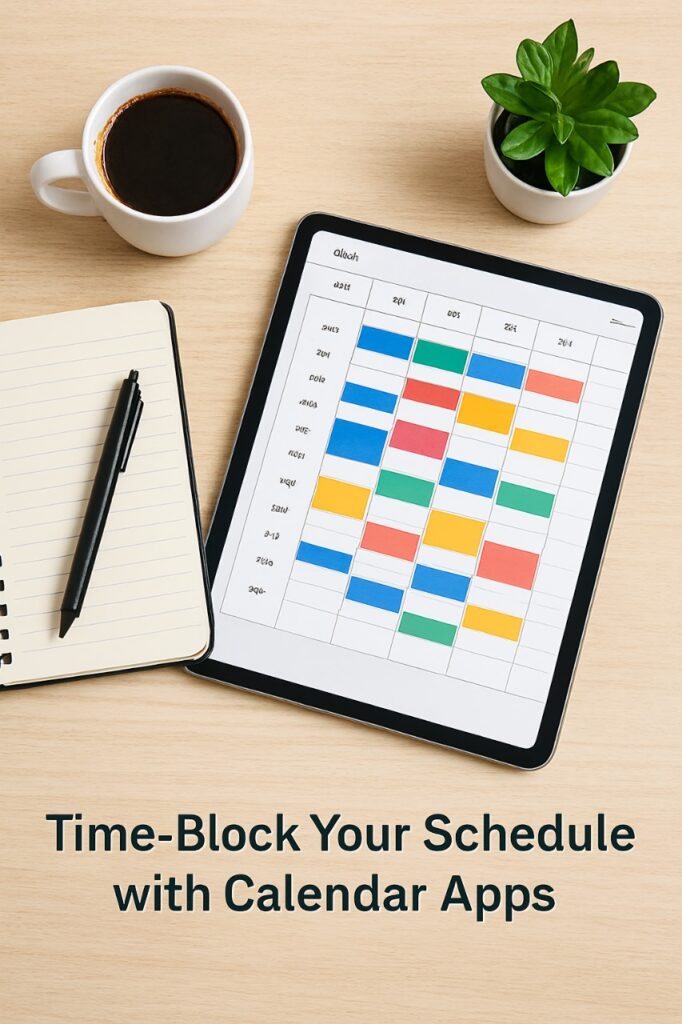
Time-blocking is a time management technique where you divide your day into dedicated blocks for specific tasks or groups of tasks. Unlike traditional to-do lists, which can feel endless and overwhelming, time-blocking ensures that each task has a scheduled slot, creating a realistic plan for your day.
Benefits of Time-Blocking
- Reduces Multitasking: Assigning a dedicated time slot to a task eliminates switching between activities, boosting focus.
- Creates Realistic Schedules: Understand what you can truly accomplish in a day, avoiding overcommitment.
- Builds Deep Work Habits: Dedicated focus blocks train your brain to enter a flow state, improving productivity.
Step-by-Step Guide to Time-Blocking with Calendar Apps
Your digital calendar—Google Calendar, Outlook, or Apple Calendar—is the perfect platform to implement time-blocking. Follow these steps to optimize your schedule:
- Audit Your Time & Plan Ahead
Before blocking time, track your current activities for 1–2 days. This gives a clear picture of where your hours are spent. Then, plan your time-blocked schedule for the week. Learn how to effectively manage your calendar with Gmail, Outlook & other apps. - Schedule Fixed Commitments
Start by adding non-negotiable tasks like meetings, appointments, and classes. These serve as anchors around which flexible time blocks can be built. - Allocate Deep Work Sessions
Identify tasks requiring intense focus. Schedule dedicated, uninterrupted blocks for these “deep work” tasks. Turn off notifications and close unnecessary tabs to minimize distractions. - Batch Similar Tasks Together
- Group related activities to reduce context-switching.
- Email & Messages: Create a “Communication Block” instead of checking throughout the day.
- Learn how to create email filters and reduce distractions.
- Project Tasks: Use a “Project Management Block” for admin work or reporting.
- Creative Work: Dedicate a “Creative Block” for brainstorming and ideation.
- Group related activities to reduce context-switching.
- Include Breaks & Personal Time
Avoid burnout by scheduling short breaks (5–10 minutes) and longer ones for lunch. Include personal activities like exercise, hobbies, or family time.
Internal Resource: Optimize your focus by managing subscriptions and decluttering your inbox. - Color-Code Your Calendar
- Visual cues make your schedule easier to follow:
- Blue: Deep work
- Green: Meetings & appointments
- Yellow: Communication & admin
- Red: Breaks & personal time
- Visual cues make your schedule easier to follow:
Common Time-Blocking Mistakes
- Being Too Rigid: Life is unpredictable. Flexibility is key.
- Over-Scheduling: Leave buffer time for unexpected tasks.
- Neglecting Self-Care: Rest is essential to maintain focus.
Recommended Calendar Apps
- Google Calendar: Free, user-friendly, integrates with Google tools.
- Outlook Calendar: Great for Microsoft ecosystem users.
- Apple Calendar: Seamless integration for iOS/macOS users.
- Clockify: Free app for tracking tasks and creating time blocks (clockify.me).
- Reclaim.ai: AI-powered automation for scheduling tasks, habits, and breaks (reclaim.ai).
Frequently Asked Questions
What is time-blocking?
Time-blocking is scheduling specific blocks of time for tasks to maximize focus and productivity.
How do calendar apps help with time-blocking?
They allow you to plan, visualize, and track your day efficiently, ensuring tasks are completed as scheduled.
Which calendar apps are best for time-blocking?
Google Calendar, Outlook Calendar, Apple Calendar, Clockify, and Reclaim.ai.
How often should I update my time-blocked schedule?
Weekly reviews work best to adjust for unexpected tasks and refine productivity.
Can time-blocking improve work-life balance?
Yes! By scheduling breaks, personal time, and focused work, you can balance productivity with rest and family time.
Conclusion
Implementing time-blocking with your calendar apps can transform your productivity, reduce stress, and help you focus on what truly matters. By batching tasks, scheduling deep work, and including breaks, you can manage your time intentionally and efficiently.
Internal Resource Reminder: For additional strategies to maintain focus and efficiency, explore:
- Email filtering to reduce distractions
- Managing email subscriptions
- Using email calendars effectively
If you have any questions or require further assistance.