 Skip to content

Published on July 28, 2025 by SNSPro Global
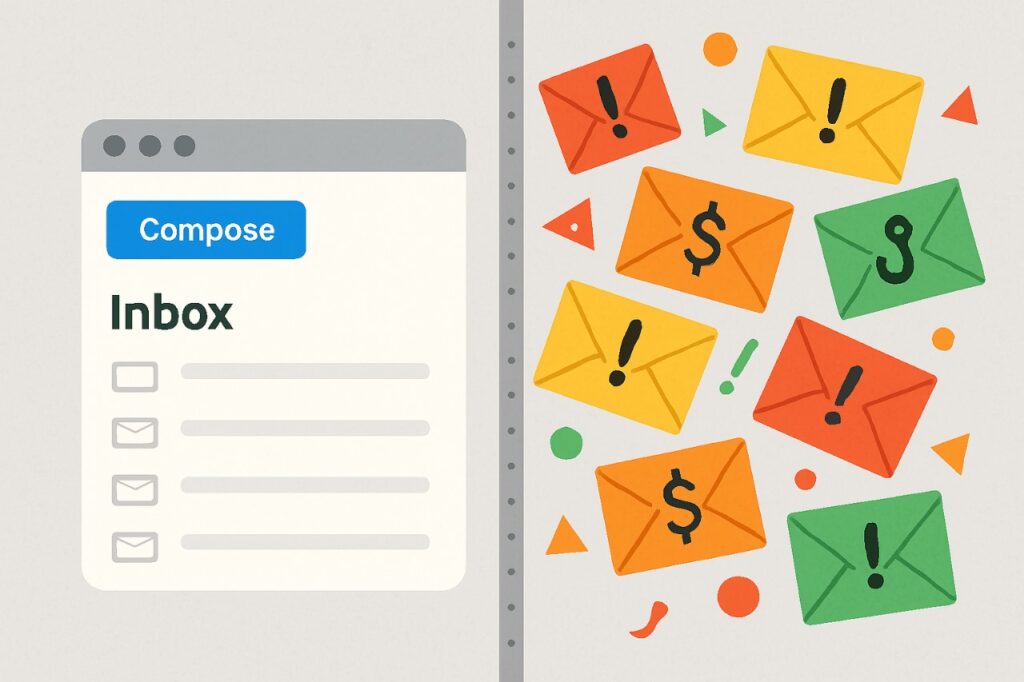
Email is one of the most common ways we communicate today. Unfortunately, it’s also a common place where scammers and spammers try to trick or annoy us. Spam emails can range from annoying ads to dangerous scams that try to steal your personal information.
This article will help you learn how to:
- Recognize spam emails
- Mark emails as spam
- Block email addresses that send spam
How to Recognize Spam Emails?
Spam emails come in many forms. Some are just junk, while others can be harmful. Here are some basic signs to watch out for:
1. Too Good to Be True
If the email says you won a prize, a lottery, or a free vacation—but you didn’t enter anything—it’s most likely a scam. Spammers use exciting offers to grab your attention.
Example:
“Congratulations! You’ve won $1,000,000. Just send us your details to claim it!”
Be careful. If it sounds too good to be true, it probably is.
2. Refund or Order Cancellation Scams
You may get emails saying your order was cancelled or you’re being charged for something you didn’t buy. They’ll ask you to click a link or call back for a refund or to stop the charge.
These are often fake and designed to steal your information. Always check your account directly—don’t trust links in the email.
Example:
“Your order for Apple iPhone 14 has been successfully placed. If you didn’t make this purchase, click here to cancel and get a refund.
3. Unusual Sender Email Address
Even if the name looks familiar, check the actual email address. A message claiming to be from a bank but sent from something like [email protected] is suspicious.
4. Urgent or Threatening Messages
Spammers often create fear to trick you into acting fast without thinking.
Example:
“Your account will be closed in 24 hours unless you verify your information now.”
Legitimate companies do not threaten you like this. Always double-check before clicking anything.
5. Grammar or Spelling Mistakes
Many spam emails have poor grammar or odd sentence structure. If the email doesn’t sound professional, it’s probably not from a real business.
6. Unwanted Attachments or Links
Never open unexpected attachments or click strange links. They could contain viruses or lead you to fake websites designed to steal your information.
How to Mark Emails as Spam?
Marking spam helps keep your inbox clean and trains your email provider to recognize unwanted messages in the future. Here’s how to do it depending on what email service you use:
Gmail:
- Open the spam email.
- Click the three dots (⋮) next to the reply button.
- Select “Report spam”.
- You can also click the “Report spam” button directly in the toolbar above the message.
How to Block Spam Email Addresses?
If someone keeps sending you spam, you can block their email address so they can’t reach your inbox again.
Blocking in Gmail:
- Open the email.
- Click the three dots (⋮) in the top-right corner.
- Select “Block [sender’s name]”.
- Future messages from them will go to Spam automatically.
Blocking in Outlook:
- Right-click the email.
- Select “Block” from the drop-down menu.
- Confirm that you want to block the sender.
Blocking in Yahoo:
- Open the email.
- Click the three dots (⋮).
- Select “Block sender”.
Blocking is a great way to stop specific people or companies from contacting you again.
Conclusion
Spam emails are everywhere, but you can avoid most of them by knowing what to look for and how to take action. By following these simple steps—recognizing spam, marking it, and blocking senders—you’ll keep your inbox cleaner and your personal information safer.
If you have any questions or require further assistance.