 Skip to content

Published on August 21, 2025 by SNSPro Global
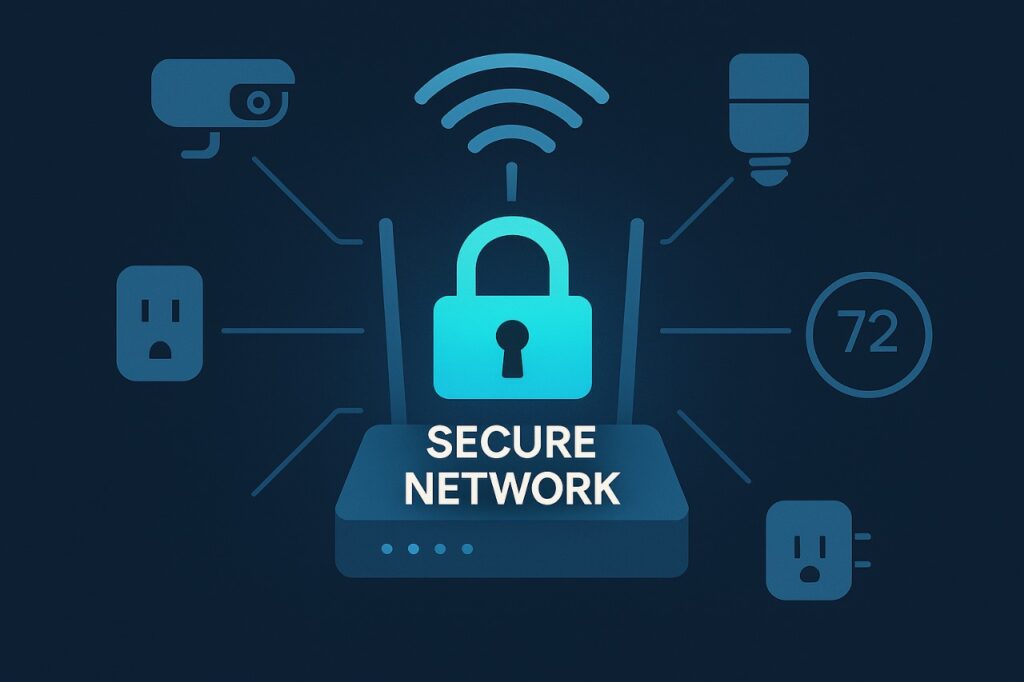
With the rise of smart home technology, more households are filling up with Internet of Things (IoT) devices — from speakers and thermostats to cameras and plugs. While these devices bring convenience, they also create new entry points for cybercriminals.
Knowing how to monitor and secure IoT devices on your Wi-Fi network is essential to protect your privacy, prevent hacking, and keep your home safe. In this guide, you’ll learn practical steps, recommended tools, and best practices to stay ahead of IoT security risks.
What is the Internet of Things (IoT)?
The Internet of Things (IoT) refers to physical devices connected to the internet that collect and share data through sensors, software, and embedded technology.
These devices can be as simple as a smart lightbulb or as complex as industrial machinery. In homes, IoT usually means smart TVs, door locks, security cameras, thermostats, and even appliances that connect to Wi-Fi.
The downside? Many of these devices have weaker security than computers or smartphones — making them prime targets for hackers.
How to Monitor IoT Devices on Your Wi-Fi Network?
Monitoring your IoT devices helps you catch suspicious activity before it becomes a major problem. Since IoT gadgets often have limited built-in protection, it’s important to keep an eye on how they behave on your network.
Practical Steps to Monitor IoT Devices:
- Check your router’s dashboard – See a list of all connected devices and their bandwidth usage.
- Use network monitoring tools – Apps like Fing or GlassWire help identify unknown devices and track unusual behavior.
- Enable alerts for new connections – Some routers and Wi-Fi systems notify you instantly when a new device connects.
By monitoring regularly, you’ll quickly notice if an unknown device joins your Wi-Fi or if an IoT gadget is behaving strangely (e.g., using excessive data).
Best Tools to Monitor IoT Devices on Your Wi-Fi
To make monitoring easier, try these tools:
- Fing (Beginner-Friendly)
• Scans your Wi-Fi and lists all connected devices.
• Sends alerts when new devices join.
• Helps detect unauthorized access.
Best for: Everyday users who want simple monitoring on their phone. - GlassWire (Visual Network Monitoring)
• Shows real-time graphs of network activity.
• Breaks down bandwidth usage by device.
• Alerts you to unusual traffic spikes.
Best for: Users who want a clear, visual view of IoT device activity. - Wireshark (Advanced Analysis)
• Professional-grade tool for deep packet inspection.
• Reveals exactly what data your IoT devices are sending.
• Requires some technical knowledge.
Best for: Advanced users or IT professionals. - Router Apps & Dashboards
• Most modern routers (e.g., ASUS, Netgear, Google Nest) include monitoring features.
• Show connected devices, data usage, and connection history.
Best for: Home users who prefer built-in tools without third-party apps.
Pro Tip: Combine your router’s built-in monitoring with an app like Fing for real-time alerts.
How to Secure Your IoT Devices
Once you know what’s connected, the next step is protecting it.
- Change Default Credentials Immediately
Hackers know that many IoT devices ship with default usernames like admin and simple passwords like 123456. Create unique, strong passwords for each device. - Create a Separate Guest or IoT Network
Set up a separate Wi-Fi network for IoT devices. This limits the damage if one device is hacked — keeping your personal laptop or phone safe. This is called network segmentation. - Keep Device Firmware Up to Date
Manufacturers release updates to fix vulnerabilities. Enable automatic updates whenever possible to keep your devices secure. - Disable Unnecessary Features
Turn off remote access, UPnP, or voice control features you don’t use. This reduces the attack surface. - Use Strong Router Settings
• Protect your router with a unique, complex password.
• Enable WPA2 or WPA3 encryption (avoid WEP).
• Use your router’s firewall or built-in security features.
FAQs About IoT Security
What is an IoT device?
Any physical object connected to the internet, such as smart plugs, cameras, or thermostats.
How do I know if my IoT device is hacked?
Watch for unusual behavior — devices turning on/off randomly, high data usage, slow internet, or unknown devices showing up in your network list.
What is network segmentation?
Splitting your network into separate sections. For home users, this means putting IoT devices on a guest network to contain security risks.
How can I monitor traffic on my home Wi-Fi?
Use your router’s dashboard or third-party tools like Fing, GlassWire, or Wireshark. This shows connected devices and data activity.
What are the best tools to monitor IoT devices?
Fing (easy to use), GlassWire (visual monitoring), Wireshark (advanced analysis), and router dashboards (built-in options).
Stay Ahead with IoT Monitoring and Security
As connected devices become more common, monitoring and securing IoT devices on your Wi-Fi network is critical. By combining monitoring tools with smart practices — like changing default passwords, segmenting networks, keeping firmware updated, and strengthening your router — you’ll build a strong defense against hackers.
Taking a proactive approach ensures that your smart home remains safe, private, and resilient for years to come.
If you have any questions or require further assistance.