 Skip to content

Published on August 21, 2025 by SNSPro Global
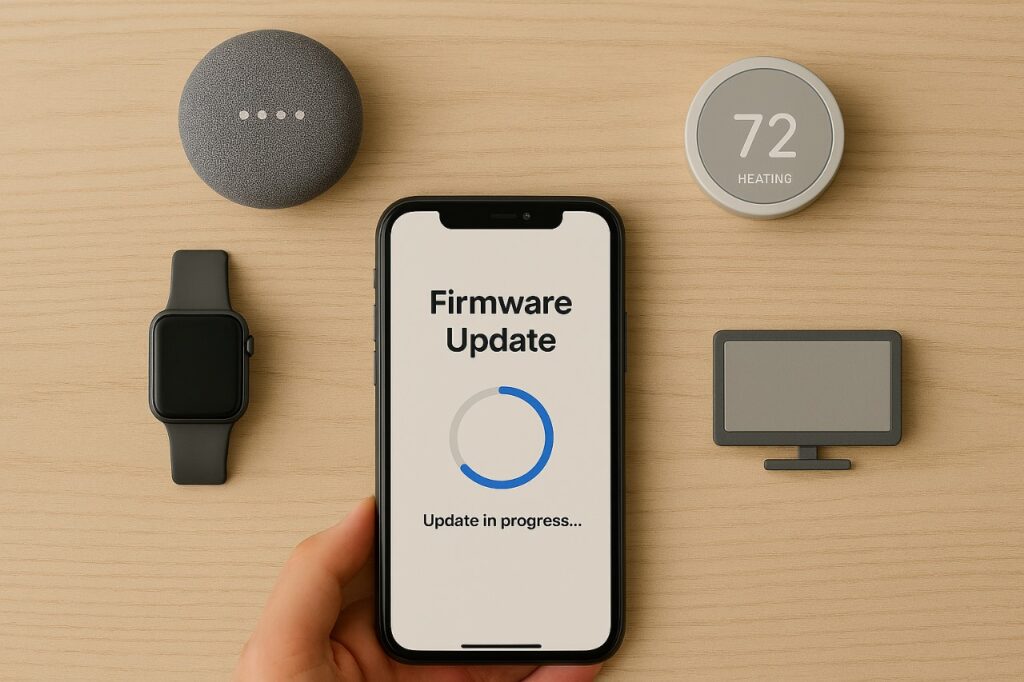
How to Update Firmware on Smart Devices (Why It’s Important)
Smart devices—whether smart speakers, smart thermostats, smart TVs, or wearable fitness trackers—rely on firmware to function properly. Firmware is the built-in software that controls how your device operates, connects to networks, and communicates with other smart home systems.
Knowing how to update firmware on smart devices is critical for maintaining performance, security, and compatibility with the latest features.
Why Updating Firmware on Smart Devices Matters
Many people ignore firmware updates, but doing so can leave devices vulnerable or outdated. Here’s why keeping your smart device firmware updated is so important:
- Security improvements: Updates often patch security flaws that hackers might exploit.
- Performance optimization: They fix bugs and improve speed, connectivity, and stability.
- New features: Firmware updates sometimes unlock new functions and capabilities.
- Compatibility: Keeps devices working smoothly with apps, voice assistants, and other smart home products.
In short, updating firmware ensures your devices remain safe, fast, and reliable.
How to Check for Firmware Updates
Different devices have slightly different processes, but here are the general steps:
- Open the companion app – Most smart devices connect to a mobile app (like Google Home, Alexa, or the device brand’s app).
- Go to settings or device info – Look for options like “Firmware,” “Software Update,” or “Device Information.”
- Check for updates – Tap “Check for Updates” to see if a new firmware version is available.
- Follow the prompts – Updates usually download over Wi-Fi and may take a few minutes to install.
Step-by-Step: Updating Firmware on Common Smart Devices
Smart Speakers (Amazon Echo, Google Nest, Apple HomePod)
- Updates usually install automatically when the device is connected to Wi-Fi.
- You can check the firmware version in the app (Alexa app, Google Home, or Apple Home).
Smart TVs
- Open the settings menu and look for System Update or Software Update.
- Some TVs let you enable auto-updates to stay current.
Smart Thermostats
- Use the manufacturer’s app (Nest, Ecobee, Honeywell, etc.).
- Look under Device Settings > Firmware to check for updates.
Wearable Devices (Smartwatches, Fitness Trackers)
- Connect your wearable to its companion app via Bluetooth.
- Firmware updates are typically pushed through the app.
Tips for a Smooth Firmware Update
- Keep your device plugged in (or fully charged) to avoid interruptions.
- Make sure you have a stable Wi-Fi connection.
- Don’t turn off or restart the device during the update.
- Enable automatic updates if the option is available.
Frequently Asked Questions (FAQs)
What happens if I don’t update my smart device firmware?
Without updates, your device may experience performance issues, lack new features, and remain vulnerable to security threats.
Can firmware updates damage my device?
It’s rare, but improper installation (like powering off mid-update) can cause issues. Following the instructions carefully minimizes risks.
Do firmware updates cost money?
No—manufacturers provide firmware updates free of charge to improve security and user experience.
How often should I check for updates?
Most devices update automatically, but checking once every month or two ensures you don’t miss important fixes.
Are firmware updates the same as app updates?
No. App updates improve the mobile app you use, while firmware updates upgrade the device itself.
Conclusion: Stay Secure by Updating Smart Device Firmware
Keeping your smart home devices updated isn’t just about better performance—it’s about protecting your privacy, enhancing security, and getting the most out of your technology.
Make it a habit to check for updates regularly, enable automatic updates when available, and keep your devices running smoothly.
Staying current with firmware updates for smart devices is one of the easiest ways to make your tech safer, faster, and smarter.
If you have any questions or require further assistance.