 Skip to content

Published on August 21, 2025 by SNSPro Global
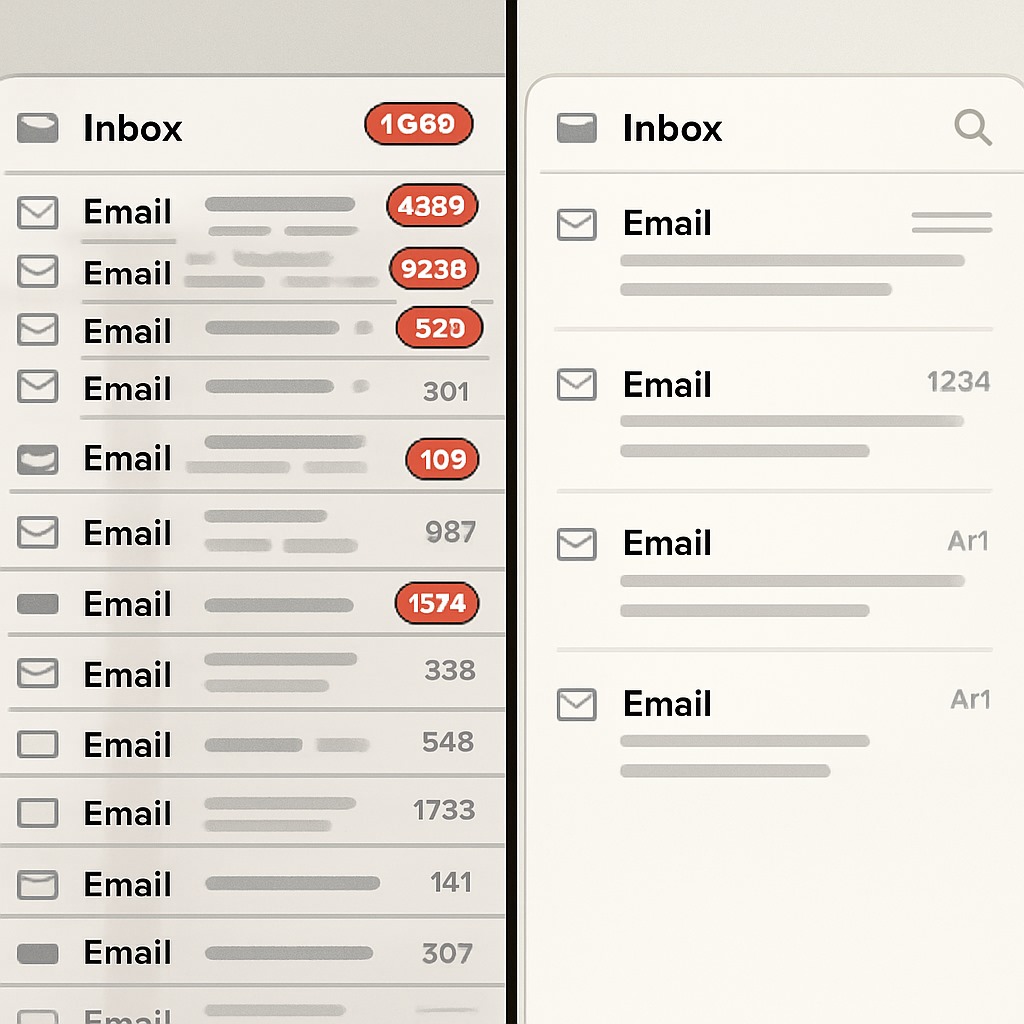
Feeling buried under a flood of emails? From promotional offers you never asked for to newsletters you no longer read, an out-of-control inbox can feel overwhelming. The good news—you can unsubscribe from junk mail, manage email subscriptions effectively, and keep your inbox clutter-free.
This guide will walk you through step-by-step strategies to stop unwanted emails, block spam, and create long-term habits for a cleaner, more productive inbox.
Why an Overcrowded Inbox Hurts Your Productivity
A cluttered inbox isn’t just annoying—it reduces focus and adds digital stress. Searching through spam or irrelevant newsletters makes it harder to find important emails from work, friends, or family.
By unsubscribing from mailing lists and stopping junk mail, you can save time, reduce stress, and organize your digital life.
Step 1: How to Manage Email Subscriptions and Declutter Your Inbox
The first step to taking back control is reviewing existing subscriptions.
Use an Email Unsubscribe Tool
Tools like Unroll.me, CleanEmail, or Leave Me Alone can automatically scan your inbox for subscriptions and let you mass-unsubscribe. These save time but do review their privacy policies before granting full inbox access.
The Manual Method
Prefer control? Simply search your inbox for common terms like “unsubscribe” or “newsletter.” Open the email and scroll to the footer to find the unsubscribe link. This is the most reliable and secure way to opt out.
Create a “Review Later” Folder
Not sure if you want to cancel some subscriptions? Move them into a “Subscriptions to Review” folder. That way they won’t clutter your inbox, but you can revisit them later.
Step 2: How to Unsubscribe From Junk Mail and Stop Spam Emails
- Junk mail (true spam) is different from newsletters you once signed up for. Here’s how to deal with it:
- Mark as Spam – Instead of clicking unsubscribe, mark suspicious emails as spam. This trains your provider (Gmail, Outlook, Yahoo) to block similar messages in the future.
- Block Senders – Most email apps let you block certain addresses instantly. Perfect for repeat offenders.
- Protect Your Address – Use a temporary or burner email address for contests, trial signups, or online shopping to avoid future spam.
- Pro tip: Never click an unsubscribe link in a suspicious email—spammers often use it to confirm your address is active.
Step 3: Build Habits to Prevent Future Inbox Clutter
- Once your inbox is clean, create habits that keep it that way:
- Review Before Subscribing – If a site asks you to join a mailing list, ask: “Will I actually read this?”
- Opt Out During Purchases – Look for small checkboxes that sign you up for marketing emails and uncheck them.
- Use Email Aliases – Gmail and Outlook allow aliases (e.g., [email protected]). This makes it easy to filter or block messages later.
Conclusion: Reclaim Your Digital Space
- Unsubscribing from unwanted emails and managing subscriptions effectively is more than inbox organization—it’s digital self-care. By using unsubscribe tools, blocking spam, and building smart email habits, you’ll enjoy:
- Less stress
- More productivity
- A calm, clutter-free inbox
- Take control today and let your email serve you, not overwhelm you.
Frequently Asked Questions (FAQs)
How do I quickly unsubscribe from multiple emails at once?
You can use free tools like CleanEmail or Unroll.me to scan your inbox and unsubscribe from several mailing lists instantly.
Why am I still getting emails after unsubscribing?
Some companies take up to a week to process requests. In other cases, you may be subscribed to multiple lists under the same brand. If the unsubscribe link seems fake, mark the email as spam.
Is it better to unsubscribe or mark as spam?
Unsubscribe if the sender is legitimate and you once opted-in. If the email is clear junk or suspicious, mark it as spam instead to protect yourself.
What is the safest way to unsubscribe from emails?
The safest method is using the unsubscribe link at the bottom of a recognized email. For unknown senders, avoid links and use your email provider’s spam filter.
Are third-party unsubscribe tools safe to use?
They’re convenient, but some require inbox access, which poses privacy risks. Always check reviews and privacy policies before granting permission.
Taking control of your inbox by managing subscriptions and unsubscribing from junk mail is an essential step toward digital well-being.
A clean, organized inbox not only reduces stress but also boosts your productivity and focus. By adopting effective tools and building mindful email habits, you can maintain a clutter-free digital space that works for you, not against you. Start today to reclaim your time, reduce distractions, and enjoy a more pleasant and organized online experience.
If you have any questions or require further assistance.