 Skip to content

Published on January 1, 2026 by SNSPro Global
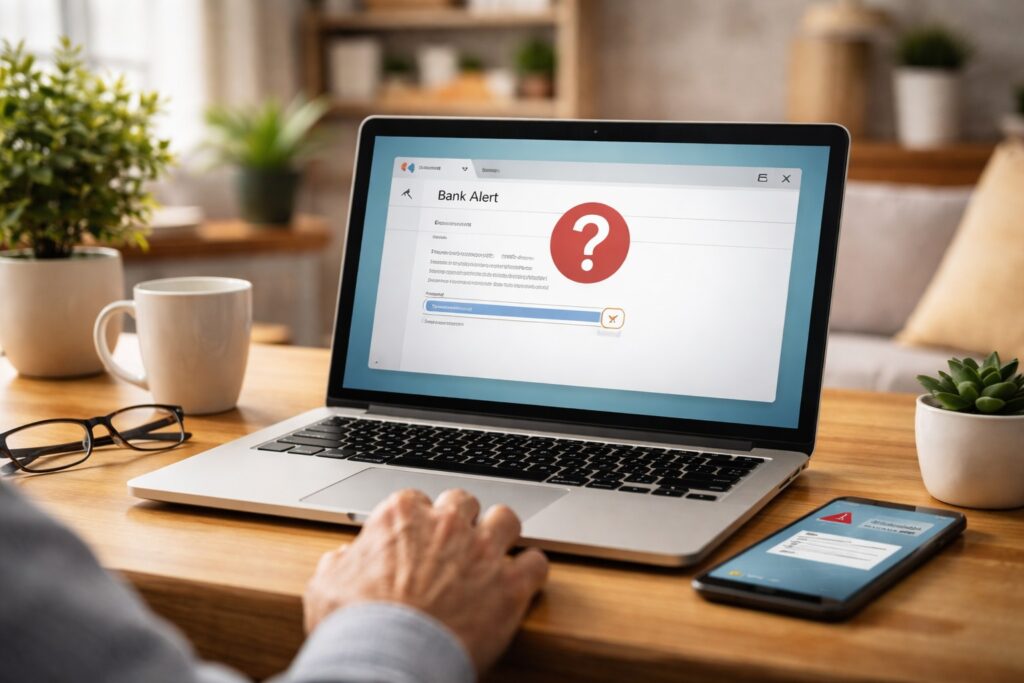
You open your email or check your phone and see a message that looks like it’s from your bank. It may warn about suspicious activity, a missed payment, or a request to “verify” your account.
This happens every day to people in communities like White Plains, Scottsdale, Walnut Creek, Irvine, Naples, and Cary. And it’s completely normal to pause and ask yourself:
Is this message real, or is it fake?
The good news is that you don’t need technical knowledge to tell the difference. This guide explains everything in simple, clear language, so you can stay calm and protect your money.
A bank email or text is usually fake if it:
- Tries to scare or rush you
- Asks you to click a link or open an attachment
- Requests personal or banking information
- Comes from an unfamiliar email address or phone number
- Contains spelling or formatting mistakes
Real banks do not ask for passwords, PINs, or full account details by email or text.
When unsure, don’t click — go directly to your bank’s official website or app.
Why Fake Bank Messages Are So Common
Online imposters send millions of messages every day. They don’t target people by name. Instead, they send messages in bulk and wait for someone to click. These messages often pretend to be:
- Bank security alerts
- Fraud warnings
- Payment confirmations
- Account suspension notices
They look convincing, which is why even careful people sometimes hesitate.
To understand how financial scams work overall, this guide is helpful:
Protecting Yourself in the Digital Age – A Guide for Seniors on Financial Fraud
Clear Signs a Bank Email or Text Is Fake
1. It Creates Urgency or Fear
Fake messages often say:
- “Immediate action required”
- “Your account will be locked”
- “Verify now to avoid suspension”
Banks don’t pressure customers this way.
2. It Asks You to Click a Link
Most fake messages include a link that looks real but leads to a fake website.
- Real banks encourage you to sign in through their official app or website, not through links.
🔐 3. It Asks for Personal Information
Banks will never ask for:
- Passwords
- PIN numbers
- Full account numbers
- Social Security information
Any message asking for this is fake.
How to Check the Sender’s Email Address (Real vs Fake)
One of the easiest ways to spot a fake bank email is to look closely at who actually sent it. The name may look correct, but the email address often reveals the truth.
How to View the Full Email Address
- Gmail: Open the email → click the small arrow next to the sender’s name
- Outlook / Yahoo / AOL: Open the email → look for “From” or “Sender details”
What a Real Bank Email Usually Looks Like
Legitimate bank emails usually:
- End with the bank’s official website name
- Do not use free email services
Examples (for illustration only):
Red Flags That the Email Is Fake
Be cautious if the address:
- Uses extra numbers or random words
- Comes from Gmail, Yahoo, or Outlook
- Has spelling mistakes
Common fake examples:
Banks do not use free email accounts to contact customers.
Important Reminder
Even if an email looks legitimate:
- Do not click links inside it
- Go to your bank’s site or app separately
- Or call the number on the back of your card
Other Warning Signs to Watch For
Poor Grammar or Formatting
Many fake messages include:
- Misspelled words
- Odd spacing
- Unusual logos
Unexpected Attachments
Banks do not send attachments asking you to open statements or forms unexpectedly.
Extra Protection That Reduces Risk
Strong Passwords
Strong passwords limit damage even if someone clicks accidentally.
Simple Password Management for Seniors
Two-Step Verification (2FA)
Adds a second layer of protection.
Two-Factor Authentication (2FA) Guide
Good Cyber Hygiene
Simple habits make a big difference.
Stay Safe Online in 2024: Cyber Hygiene Tips
Real Stories From People We’ve Helped
White Plains, NY
“I checked the sender’s email like SNSPro showed me — it was fake.”
Scottsdale, AZ
“The text looked real, but SNSPro helped me confirm it safely.”
Walnut Creek, CA
“SNSPro explained why multiple alerts in one day are a warning sign.”
Naples, FL
“I learned banks never ask for info by text. That helped me stay calm.”
Cary, NC
“They helped me secure my account after a fake message.”
Need Help Checking a Message Safely?
SNSPro Global helps home users:
- Review suspicious emails or texts
- Secure banking accounts
- Set up safer login protection
- Understand alerts without pressure
Get trusted help:
https://snsproglobal.com/contact-us/
FAQs — Fake Bank Emails & Texts
Do banks ever email or text customers?
Yes, but they do not ask for personal information or urgent action.
What if I clicked a suspicious link?
Close the page, contact your bank directly, and change your password.
Can fake messages look real?
Yes. Logos and formatting can be copied.
Should I reply to ask if it’s real?
No. Always contact your bank directly instead.