 Skip to content

Published on February 2, 2026 by SNSPro Global
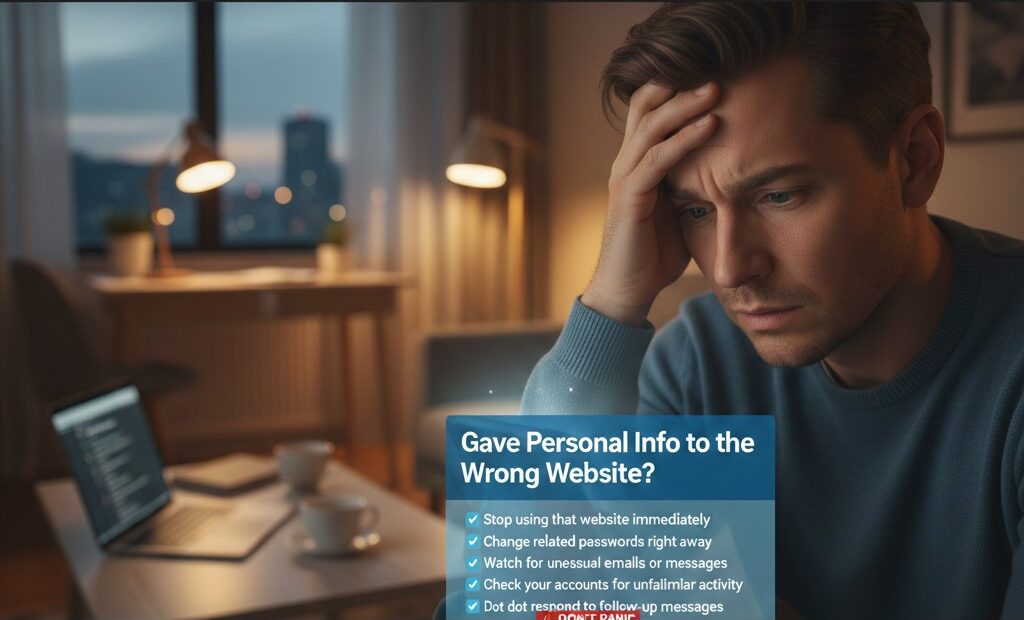
It happens faster than most people expect.
You’re filling out a form, checking an account, or placing an order — and only afterward do you realize something may not be right. Maybe the website looked slightly off, or you clicked a link from an email or text.
If you’re feeling worried right now, take a breath.
You’re not alone, and there are clear steps you can take.
People in communities like Scottsdale, White Plains, Walnut Creek, Irvine, Naples, and Cary reach out every week with this exact concern. Acting calmly — and quickly — makes a real difference.
This guide explains what to do next, in simple language, without panic or technical jargon.
If you gave personal information to the wrong website:
✔ Stop using that website immediately
✔ Change related passwords right away
✔ Watch for unusual emails or messages
✔ Check your accounts for unfamiliar activity
✔ Do not respond to follow-up messages
Taking these steps early helps reduce risk and protect your accounts.
First Things First: Don’t Panic
It’s easy to feel embarrassed or stressed. But many unsafe websites are designed to look real. Online imposters rely on speed and confusion — not mistakes.
What matters most is what you do next.
Step 1: Change Your Passwords Immediately
If you entered:
- An email password
- A banking login
- A shopping account password
Change it right away — starting with the most important accounts.
Tips:
- Use a strong, unique password
- Don’t reuse old passwords
- Update passwords anywhere else you used the same one
If password safety feels overwhelming, this guide helps:
https://snsproglobal.com/simple-password-management-for-seniors/
Step 2: Watch Your Email Closely
After sharing information, watch for:
- Password reset emails you didn’t request
- Login alerts from unfamiliar locations
- Messages asking you to “confirm” details
Many follow-up messages are attempts by online imposters to get more information.
This guide explains how to spot fake messages:
https://snsproglobal.com/how-to-tell-if-bank-email-or-text-is-fake/
Step 3: Check Your Accounts for Unusual Activity
Log in directly (don’t use links) and look for:
- New purchases
- Changed settings
- Unknown devices or sessions
- Updated contact details
If anything looks unfamiliar, act immediately.
Step 4: Confirm Whether the Website Was Unsafe
If you’re unsure whether the site was legitimate, review:
- The website address spelling
- Whether it used HTTPS and a padlock
- How you arrived there (email, text, ad)
These guides explain how to check safely:
https://snsproglobal.com/how-to-tell-if-a-website-is-safe/
https://snsproglobal.com/how-to-tell-if-a-website-is-safe-2/
Step 5: Ignore Follow-Up Messages
Once information is shared, bad actors often send:
- Urgent emails
- Fake support messages
- Requests to “verify” details
Do not reply.
Do not click links.
Go directly to the official website instead.
Step 6: Strengthen Your Online Safety
Simple steps help prevent repeat issues:
✔ Enable two-step verification where available
✔ Keep devices updated
✔ Review privacy and security settings
These habits make a real difference over time.
Real Stories From People We’ve Helped
Scottsdale, AZ
I entered details on a look-alike website. SNSPro helped me secure everything the same day.
White Plains, NY
They calmly walked me through password changes and account checks.
Walnut Creek, CA
I was worried I’d made things worse. They explained each step clearly.
Irvine, CA
They helped confirm which site was fake and what to do next.
Naples, FL
I felt much calmer after speaking with someone who understood.
When to Get Extra Help
Consider professional help if:
- You shared banking or payment information
- Multiple accounts use the same password
- You notice unfamiliar activity
- You feel unsure what to check next
Get Calm, Trusted Support — Without Pressure
SNSPro Global helps home users:
- Secure accounts after unsafe websites
- Review suspicious activity
- Strengthen online safety
- Explain every step clearly
Get trusted help now: https://snsproglobal.com/contact-us/
FAQs — Sharing Information on the Wrong Website
Is it too late if I already entered information?
No. Acting quickly helps reduce risk significantly.
Should I close my accounts?
Usually no. Changing passwords and monitoring activity is often enough.
Can fake websites look real?
Yes. Many are designed to closely copy trusted brands.
Can SNSPro help remotely?
Yes. SNSPro Global provides safe, step-by-step remote assistance.