 Skip to content

Published on May 15, 2026 by SNSPro Global
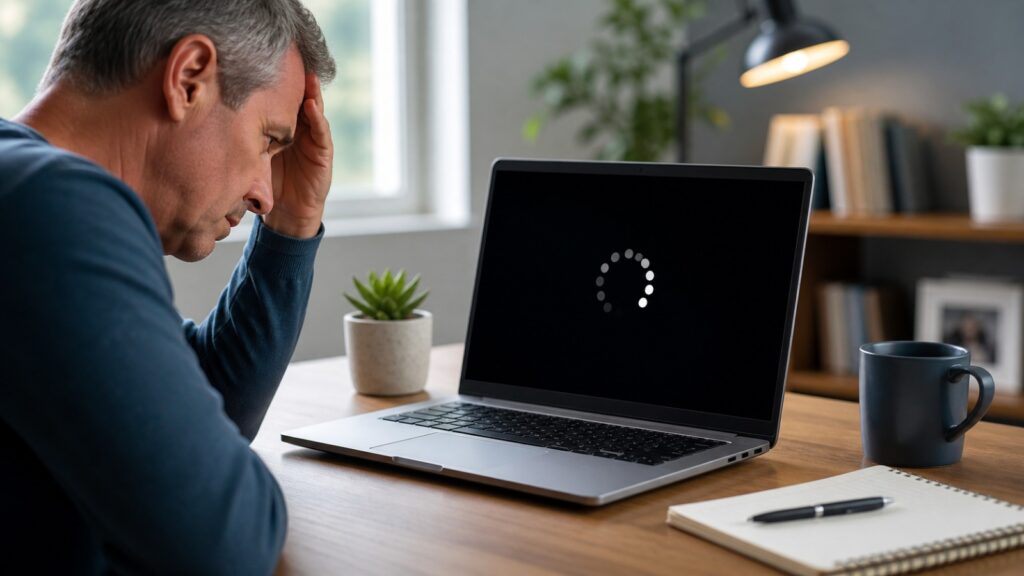
Computer Restarting Randomly?
Here’s What’s Causing It (And How to Fix It)
You’re in the middle of something important—maybe sending an email or finishing a document—and suddenly your computer restarts.
No warning. No explanation.
It’s frustrating, and it can make you wonder if something is seriously wrong. But in most cases, this issue is more common than you think and usually easy to fix.
From Austin to Seattle, many home users deal with unexpected restarts every week. The good news is that your computer is often trying to protect itself, not failing.
Let’s walk through why your computer keeps restarting randomly and what you can calmly do to fix it.
Quick Answer: Why Is My Computer Restarting Randomly?
If your computer keeps restarting on its own, it’s usually due to one of these:
- System updates installing automatically
- Software or driver conflicts
- Overheating or ventilation issues
- Power supply interruptions
- Malware or unwanted programs
Most of these problems can be resolved with simple checks.
Common Causes of Random Computer Restarts
1. Automatic Updates Running in the Background
Your system may restart to complete updates, especially on Windows. This can happen even when you’re not expecting it.
What you can do:
- Check update settings
- Schedule updates for a convenient time
2. Software or Driver Conflicts
If a program or driver is outdated or not working properly, it can cause instability. This may trigger sudden restarts.
Tip: Keep your system and drivers updated regularly.
3. Overheating
When your computer gets too hot, it may restart automatically to prevent damage.
Signs to watch for:
- Loud fan noise
- Device feels unusually warm
Simple fix:
- Keep vents clean
- Use your device on a hard, flat surface
4. Power Supply Issues
Loose connections or unstable electricity can interrupt your system.
Check:
- Power cable
- Wall socket
- Power adapter
5. Malware or Background Programs
Certain programs running in the background can affect performance and stability.
If your computer also feels slow, this guide can help:
In some cases, unusual browser behavior or unwanted programs may also be involved:
When You Should Take It Seriously
While occasional restarts are normal, pay attention if:
- Restarts happen frequently
- You lose important work
- Error messages appear
- Your system becomes noticeably slower
These signs may need deeper troubleshooting.
Simple Fixes You Can Try Right Now
1. Start in Safe Mode
Safe Mode helps you check if software is causing the issue.
2. Run a Security Scan
Use trusted antivirus or built-in security tools to scan your system.
If you’re unsure what to look for, this simple safety guide can help:
2. Run a Security Scan
Use trusted antivirus or built-in security tools to scan your system.
3. Update Everything
Make sure your:
- Operating system
- Drivers
- Applications
are all up to date.
4. Improve Ventilation
Place your computer in a cool, open space.
Avoid using it on beds or cushions that block airflow.
5. Check Power Stability
Ensure all cables are properly connected and not damaged.
A Simple Routine to Prevent Future Restarts
To keep your computer stable:
- Install updates regularly
- Avoid unknown downloads
- Restart your device occasionally
- Clean dust from vents
These small steps can prevent bigger issues later.
Real Stories From People We’ve Helped
Denver, CO
My computer kept restarting during work hours. It turned out to be update settings. One quick fix solved it.
Tampa, FL
I thought my laptop was failing, but it was overheating. Cleaning it made a huge difference.
Portland, OR
A background app was causing restarts. SNSPro helped me identify and remove it quickly.
Get Calm, Trusted Help
If your computer keeps restarting and you’re unsure what’s causing it, you don’t have to figure it out alone.
SNSPro Global provides simple, safe remote support to fix everyday computer problems without stress.
Contact SNSPro Global for Calm, Expert Help
https://snsproglobal.com/contact-us
Frequently Asked Questions
Why does my computer restart without warning?
It’s usually caused by updates, overheating, or software conflicts.
Can overheating really cause restarts?
Yes. Restarting helps protect your device from heat damage.
Is this a serious hardware problem?
Not usually. Most cases are software-related and fixable.
How do I stop automatic restarts?
Check your update settings and keep your system stable with regular maintenance.