 Skip to content

Published on February 24, 2026 by SNSPro Global
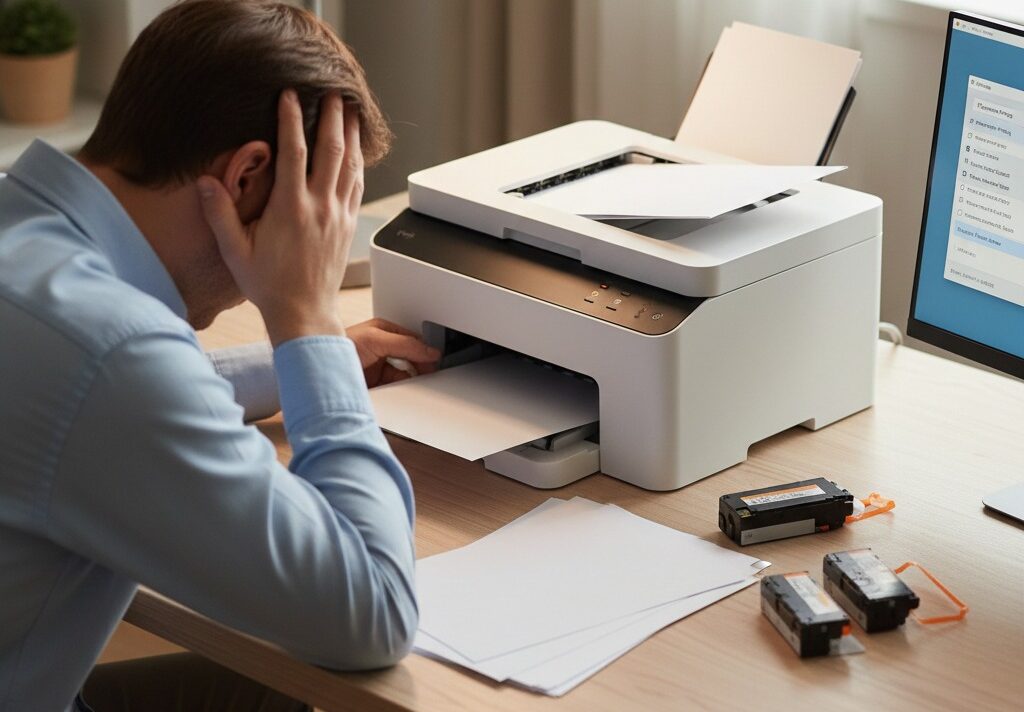
You sit down to print a document you need — maybe a bill, a form, or something for home records — and the printer quietly feeds out a page with nothing on it.
No warning.
No explanation.
Just blank paper.
For many home users in places like Naperville IL, Cary NC, Walnut Creek CA, Marietta GA, and Westchester County NY, this moment brings more confusion than panic. The printer has ink. It worked yesterday. And nothing obvious has changed.
This guide explains why printers suddenly print blank pages, what usually causes it, and which simple steps are worth trying before spending money on new ink or a new printer.
If your printer suddenly prints blank pages, it’s usually because of:
- Ink or toner delivery issues
- Clogged print heads
- Incorrect printer settings
- Software or driver problems
- Connection interruptions
In many cases, the fix is quick and does not require new ink or a new printer.
Common Reasons Printers Print Blank Pages
Ink or Toner Isn’t Reaching the Page
Even if ink levels look full, ink may not be flowing properly.
This can happen when:
- Ink cartridges are old or dried out
- Protective seals weren’t fully removed
- Toner hasn’t been distributed evenly
This is especially common with printers that aren’t used often.
If your printer won’t print at all but shows ink, this related guide may help:
https://snsproglobal.com/printer-wont-print-but-has-ink/
Clogged Print Heads
Inkjet printers use tiny nozzles that can clog over time.
Signs of clogged print heads include:
- Blank pages
- Faded or missing text
- Partial printing
Most printers include a built-in cleaning option that can resolve this.
Incorrect Printer Settings
Sometimes the printer is working — but settings prevent ink from appearing.
Check for:
- Printing in “draft” or “grayscale” mode
- Incorrect paper type selected
- Very light print density settings
These settings can change accidentally after updates.
Software or Driver Issues
If the printer recently updated or the computer changed, the software controlling the printer may not be communicating properly.
This can result in:
- Blank pages
- Delayed printing
- Jobs that appear to print but don’t
Restarting both the printer and computer often helps.
Connection or Offline Problems
A weak or interrupted connection can send incomplete print jobs.
If your printer shows offline messages or behaves unpredictably, this guide may help:
https://snsproglobal.com/fix-printer-offline-windows-11/
Printing From Phones or Tablets
When printing wirelessly from a phone or tablet, blank pages may occur if:
- The printer app isn’t updated
- The printer isn’t fully connected to Wi-Fi
- Permissions aren’t granted
This step-by-step guide explains how to connect properly:
https://snsproglobal.com/printing-made-easy-connecting-your-smartphone-to-your-wireless-printer/
Simple Steps to Try Before Replacing Anything
Try these in order:
- Restart the printer
- Remove and reseat ink or toner cartridges
- Run the print-head cleaning tool
- Check print settings carefully
- Print a test page directly from the printer
Many blank-page issues resolve after just one or two steps.
Real Stories From People We’ve Helped
Scarsdale, NY
“My printer printed blank pages for days. It was just a clogged print head.”
Palo Alto, CA
“They walked me through checking settings I didn’t even know existed.”
Plano, TX
“I was about to buy new ink — turns out I didn’t need it.”
Bethesda, MD
“Once reconnected properly, it printed normally again.”
Lake Oswego, OR
“I’m glad I didn’t replace the printer too soon.”
When It’s Time to Get Help
Consider expert help if:
- Blank pages continue after cleaning
- You’re unsure about changing settings
- Ink is wasted repeatedly
- You want reassurance before replacing parts
SNSPro Global helps home users:
- Diagnose printer problems safely
- Fix blank-page issues step by step
- Restore reliable printing
- Explain everything clearly
Get trusted help: https://snsproglobal.com/contact-us/
FAQs — Printer Printing Blank Pages
Does blank printing mean my printer is broken?
Not usually. Many causes are fixable without replacing the printer.
Should I buy new ink right away?
Not before checking settings and running a cleaning cycle.
Can software updates cause blank pages?
Yes. Updates can reset or change printer settings.
Can SNSPro Global help remotely?
Yes. SNSPro Global provides safe, step-by-step remote printer support.