 Skip to content

Published on February 17, 2026 by SNSPro Global
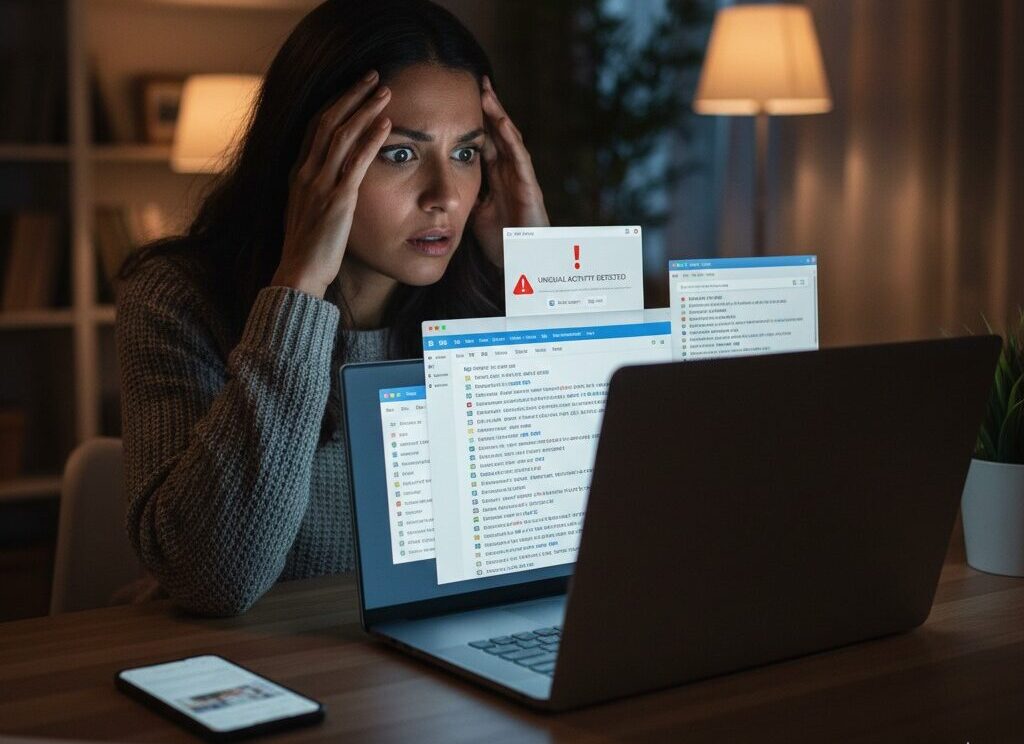
You open your email and notice replies you don’t remember sending.
Or a friend calls asking why you emailed them something strange.
That moment can feel confusing — even a little unsettling.
Home users in communities like Scarsdale NY, Palo Alto CA, Plano TX, Bethesda MD, and Lake Oswego OR reach out about this exact issue more often than you might expect.
The good news is this:
Most email accounts can be secured and recovered once you know what’s happening and act calmly.
This guide explains — in clear, simple language — why emails send messages you didn’t write, what it usually means, and what steps help protect your account.
If your email is sending messages you didn’t write, it usually means:
- Someone else gained access to your account
- Your password was exposed or reused
- A malicious app or sign-in is connected
- Spam messages are being sent automatically
Acting quickly helps stop further misuse and secure your email.
Why This Happens
Your Email Password Was Compromised
This is the most common reason.
Passwords can be exposed through:
- Data breaches
- Reused passwords across sites
- Fake login pages
- Phishing emails
Once someone gains access, they often send messages to contacts automatically.
If you suspect someone else may be using your email, this guide explains the warning signs clearly:
https://snsproglobal.com/someone-else-using-my-email-simple-senior-guide/
An Unknown Device or App Is Connected
Some email accounts allow apps or devices to stay signed in.
If an unfamiliar device or app has access, it can:
- Send messages
- Read inbox content
- Change settings
These connections aren’t always obvious unless you check.
Spam or Forwarding Rules Were Added
Sometimes messages are sent without someone actively typing them.
This happens when:
- Auto-reply rules were added
- Forwarding settings were changed
- Spam software was triggered
These settings can quietly operate in the background.
To reduce spam risks going forward, this guide is helpful:
https://snsproglobal.com/recognize-and-block-spam-emails-a-simple-guide/
Signs Your Email Is Compromised
- Messages appear in Sent that you don’t recognize
- Contacts say they received odd emails from you
- Password suddenly stops working
- Security alerts you didn’t expect
- You’re locked out after suspicious activity
If you’re already locked out, this recovery guide explains safe next steps:
https://snsproglobal.com/locked-out-of-email-senior-help/
What to Do Right Away
Step 1: Change Your Password
Choose a strong, unique password that you don’t use anywhere else.
Do this directly on your email provider’s official website.
Step 2: Review Account Activity
Look for:
- Recent sign-ins
- Unknown devices
- Unfamiliar locations
Sign out of anything you don’t recognize.
Step 3: Remove Suspicious Apps or Rules
Check for:
- Email forwarding rules
- Auto-reply messages
- Connected apps you didn’t add
Remove anything unfamiliar.
Step 4: Turn On Extra Protection
Enable two-step or multi-factor sign-in to prevent future access.
Real Stories From People We’ve Helped
Scarsdale, NY
“My account sent messages overnight. They helped me secure it calmly.”
Palo Alto, CA
“I didn’t realize an app still had access. Once removed, the emails stopped.”
Plano, TX
“They explained each step without rushing.”
Bethesda, MD
“My email was protected again in one session.”
Lake Oswego, OR
“I felt relieved knowing what actually happened.”
When to Get Help
Consider professional help if:
- Messages keep sending after a password change
- You’re unsure what to remove
- You don’t feel confident reviewing settings
- You want reassurance everything is secure
Get Trusted Email Security Help
SNSPro Global helps home users:
- Secure compromised email accounts
- Stop unauthorized messages
- Review settings safely
- Explain every step clearly
Get calm, trusted help: https://snsproglobal.com/contact-us/
FAQs — Email Sending Messages You Didn’t Write
Does this mean my email was hacked?
It usually means someone gained access, but it can often be fixed quickly.
Should I warn my contacts?
Yes. Let them know not to click links from earlier messages.
Will changing my password fix it?
Often yes, especially when combined with removing unknown devices or apps.
Can SNSPro Global help remotely?
Yes. SNSPro Global provides safe, step-by-step remote assistance.