 Skip to content

Published on February 6, 2026 by SNSPro Global
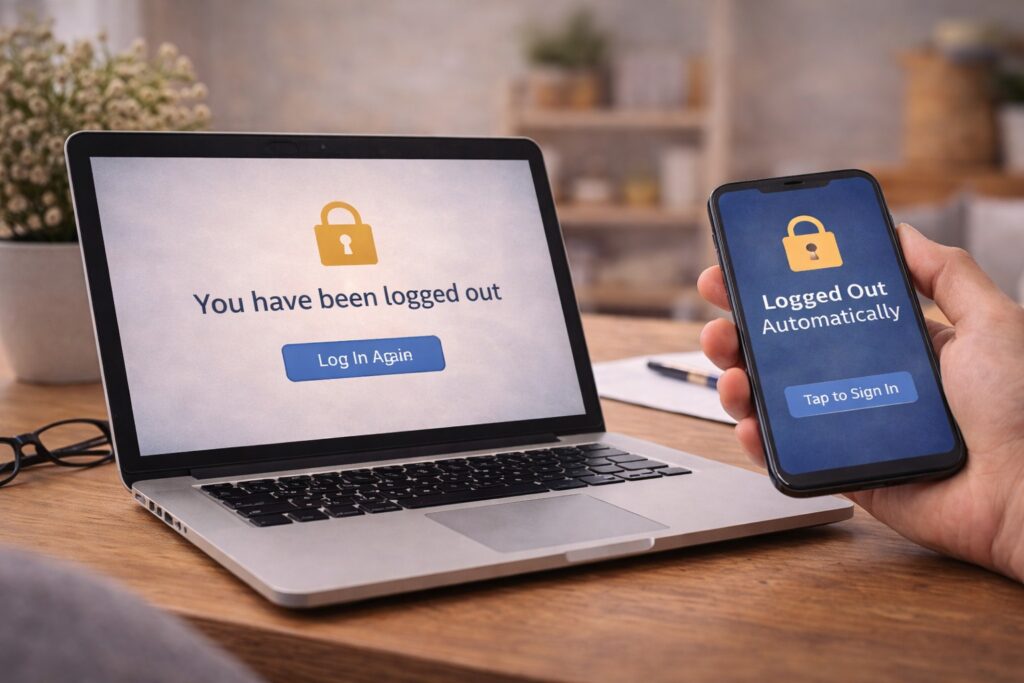
You’re reading an email, checking an account, or filling out a form — and suddenly the website logs you out.
No warning.
No error message.
Just a sign-in screen again.
If this has been happening more often, you’re not alone. Home users in places like Scottsdale, White Plains, Walnut Creek, Irvine, Naples, and Cary ask about this regularly.
The good news is that in most cases, automatic logouts are not a sign of trouble. They’re usually built-in safety features.
This guide explains — in simple language — why websites log you out, when it’s normal, and when it’s worth taking a closer look.
Websites may log you out automatically because of:
- Security time limits
- Browser cookie settings
- Internet or Wi-Fi interruptions
- New devices or locations
- Website updates
Most of the time, this is protective, not harmful.
Why Automatic Logouts Are More Common Now
Stronger Security Rules
Many websites now log users out after a short period of inactivity, especially when sensitive information is involved.
This is common on:
- Banking and financial websites
- Email accounts
- Shopping sites with saved payment details
These time limits help prevent someone else from accessing your account if you step away.
Inactivity Timeouts
If you pause on a page, leave a tab open, or get distracted, the website may end your session automatically.
This is normal behavior on modern websites.
Internet or Wi-Fi Interruptions
Even a brief internet drop can cause a logout.
If your Wi-Fi disconnects for a moment, the website may:
- Lose the connection
- End the session
- Ask you to sign in again
This often happens quietly, without obvious signs.
Browser Cookies Being Cleared
Websites use small files called cookies to remember that you’re signed in.
You may be logged out if:
- Browser settings block cookies
- Privacy tools clear them automatically
- The browser updates or restarts
This is one of the most common reasons people experience frequent logouts.
Website or App Updates
Sometimes the website itself updates while you’re using it.
When that happens:
- Active sessions may reset
- Everyone is asked to sign in again
This is usually harmless.
When Automatic Logouts Deserve Attention
Most logouts are normal. However, it’s worth checking further if:
✔ You’re logged out immediately after signing in
✔ You’re asked to re-enter personal details
✔ You’re redirected to unfamiliar pages
✔ You receive unexpected security prompts
Before signing back in, it’s smart to confirm the site is legitimate:
https://snsproglobal.com/how-to-tell-if-a-website-is-safe/
Logouts After Entering Personal Information
If a website logs you out right after you entered personal details, pause before continuing.
This can sometimes happen if:
- The site refreshes incorrectly
- The connection is unstable
- The page isn’t secure
If you’re unsure whether information went to the right place, this guide explains what to do next:
https://snsproglobal.com/gave-personal-information-to-wrong-website/
Browser Warnings After a Logout
Occasionally, a logout is followed by a browser warning like:
• “This connection is not private”
• “This site may not be secure”
These warnings usually relate to encryption or website certificates — not your device.
Here’s how to safely check before signing back in:
https://snsproglobal.com/how-to-tell-if-a-website-is-safe-2/
How to Reduce Frequent Logouts
A few simple habits can help:
✔ Keep your browser updated
✔ Allow cookies on trusted websites
✔ Use stable Wi-Fi when signing in
✔ Avoid opening the same account in many tabs
✔ Log out manually when finished
These steps reduce interruptions without weakening security.
Real Stories From People We’ve Helped
Scottsdale, AZ
“My bank site kept logging me out. It turned out to be a normal security timeout.”
White Plains, NY
“I thought something was wrong with my account. SNSPro explained browser cookies clearly.”
Walnut Creek, CA
“They showed me how my Wi-Fi drops caused the logouts.”
Irvine, CA
“Once I understood why it happens, it stopped feeling stressful.”
Naples, FL
“I learned when to worry — and when not to.”
Need Help Reviewing Your Browser or Account Settings?
If automatic logouts feel constant or confusing, it’s okay to get help.
SNSPro Global helps by:
• Reviewing browser settings
• Checking account security safely
• Explaining alerts clearly
• Preventing unnecessary disruptions
Get trusted help:
https://snsproglobal.com/contact-us/
FAQs — Automatic Website Logouts
Is being logged out automatically a bad sign?
No. Most automatic logouts are normal security features.
Can Wi-Fi issues cause logouts?
Yes. Even brief connection drops can end a session.
Should I stay signed in all the time?
Only on trusted, private devices.
Can SNSPro Global help review these issues?
Yes. SNSPro Global provides calm, step-by-step assistance.