 Skip to content

Published on September 5, 2025 by SNSPro Global
Introduction
In today’s digital landscape, relying solely on passwords is insufficient to protect your online accounts. Two-Factor Authentication (2FA) provides an additional layer of security, requiring not only your password but also a second form of verification. This method significantly reduces the risk of unauthorized access to your accounts.
To further strengthen your account security, it’s important to combine 2FA with strong password practices. Learn more in our guide on Master Password Creation: A Guide to Unbreakable Digital Security.
What is Two-Factor Authentication (2FA)?
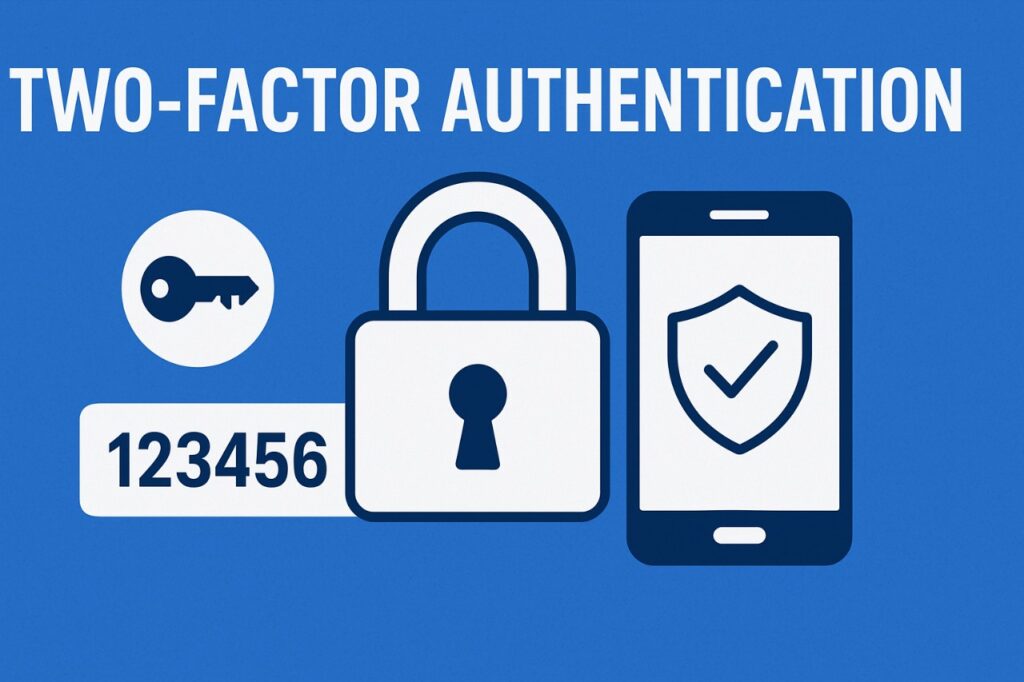
Two-Factor Authentication (2FA) is a security process that enhances the protection of your online accounts. It requires two forms of identification:
- Something you know: Your password or PIN.
- Something you have: A code sent to your phone, an authentication app, or a biometric scan.
This dual-layered approach ensures that even if someone obtains your password, they cannot access your account without the second factor.
Why You Need Two-Factor Authentication
Enabling 2FA offers several benefits:
- Enhanced Security: Adds an extra layer of protection to your accounts.
- Reduced Risk of Identity Theft: Makes it harder for cybercriminals to impersonate you.
- Protection Against Unauthorized Transactions: Safeguards your financial and personal information.
For seniors, understanding and implementing 2FA is crucial. As highlighted in our guide on Protecting Yourself in the Digital Age: A Guide for Seniors on Financial Fraud, enabling 2FA can significantly reduce the risk of falling victim to online scams and fraud.
Additionally, using a password manager can make managing complex, secure passwords easier and safer. Check out our article on How to Use Google Password Manager for practical tips on storing and managing passwords effectively.
How to Enable Two-Factor Authentication
Setting up 2FA is straightforward:
- Access Account Settings: Log into your account and navigate to the security settings.
- Enable 2FA: Look for the Two-Factor Authentication option and follow the prompts.
- Choose Your Verification Method: Options typically include SMS codes, authentication apps, or biometric scans.
- Complete the Setup: Follow any additional instructions to finalize the process.
For a comprehensive understanding of online threats and how to protect yourself, refer to our article on How to Recognize Phishing Emails, which provides valuable insights into identifying and avoiding phishing attempts.
Benefits of Two-Factor Authentication
Implementing 2FA offers:
- Increased Account Security: Adds an extra layer of defense.
- Peace of Mind: Reduces the likelihood of unauthorized access.
- Compliance with Best Practices: Aligns with recommended security protocols.
Pairing 2FA with strong, memorable passwords—as detailed in Master Password Creation: A Guide to Unbreakable Digital Security—ensures maximum protection for your accounts.
Frequently Asked Questions (FAQs)
What is Two-Factor Authentication (2FA)?
2FA is a security method that requires two forms of identification to access an account, enhancing protection against unauthorized access.
Why should I enable 2FA for my accounts?
Enabling 2FA adds an extra layer of security, making it more difficult for cybercriminals to gain unauthorized access to your accounts.
How can I enable 2FA on Gmail, Facebook, or Banking accounts?
Navigate to the security settings of each platform and follow the instructions to enable Two-Factor Authentication.
What happens if I lose access to my 2FA device?
Most platforms provide backup codes or alternative recovery methods to regain access to your account.
Final Thoughts
While setting up Two-Factor Authentication may seem like an extra step, it significantly enhances your online security. By implementing 2FA alongside strong passwords and password management, you add multiple barriers against unauthorized access, protecting your personal and financial information.
For more security tips and practical advice, explore our Self-Help Articles for actionable guidance on staying safe online.
If you have any questions or require further assistance.