 Skip to content

Published on September 1, 2025 by SNSPro Global
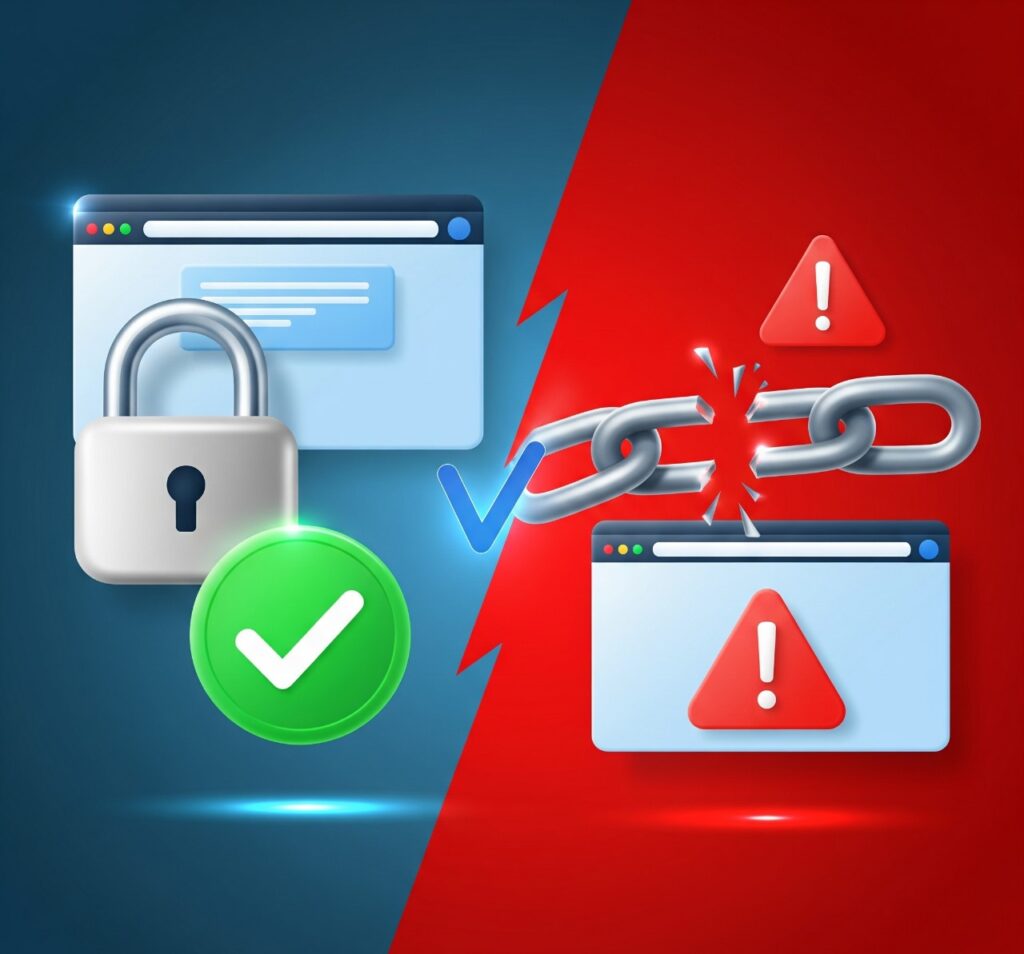
In today’s digital age, knowing how to distinguish safe websites from suspicious websites is essential for protecting your personal data. From checking URLs to recognizing warning signs, this guide provides practical website safety tips to help you browse online securely and avoid scams.
How to Identify Safe Websites
Recognizing a trustworthy website is crucial for secure browsing. Here are key indicators:
- Check the URL:
Ensure the website starts with https://, indicating a secure connection. For instance, when accessing your email or banking services, always verify the URL begins with https://. - Look for a Padlock Icon:
A padlock symbol in the address bar signifies a secure connection, especially important when entering personal information. - Verify Contact Information:
Reputable websites provide clear contact details, including a physical address and customer service options. - Review Privacy Policies:
Legitimate sites have transparent privacy policies detailing data usage and protection measures.
For more on securing your online presence, consider reading our guide on How to Use Email Aliases to Protect Your Primary Email Address from Spam.
Warning Signs of Suspicious Websites
Be cautious of the following red flags:
- Unusual URLs:
Watch out for misspelled domain names or unfamiliar extensions. - Excessive Pop-Ups:
Multiple pop-ups can indicate a malicious site attempting to collect personal data. - Lack of Contact Information:
Absence of clear contact details may suggest a fraudulent website. - Poor Website Design:
A cluttered or outdated design can be a sign of an untrustworthy site.
For tips on managing digital distractions, check out our article on Speed Up Safari on MacBook: Simple Tips for Faster Browsing.
Tips for Safe Online Browsing
Enhance your online security with these practices:
- Use Strong Passwords:
Create complex passwords and consider using a password manager. - Enable Two-Factor Authentication:
Adds an extra layer of security to your accounts. - Regularly Update Software:
Keep your operating system and applications up to date to protect against vulnerabilities. - Be Wary of Free Offers:
Free services or products may come with hidden risks.
For more on managing your digital life, explore our guide on How to Remotely Lock, Wipe, or Find a Lost or Stolen Phone.
Frequently Asked Questions (FAQs)
How can I tell if a website is safe?
Look for https:// in the URL, a padlock icon, and clear contact information.
What should I do if I encounter a suspicious website?
Avoid entering personal information, and consider reporting the site to relevant authorities.
Are free websites always unsafe?
Not necessarily, but exercise caution and verify the site’s legitimacy before engaging.
How can I protect my personal information online?
Use strong passwords, enable two-factor authentication, and be cautious of sharing personal details.
If you have any questions or require further assistance.